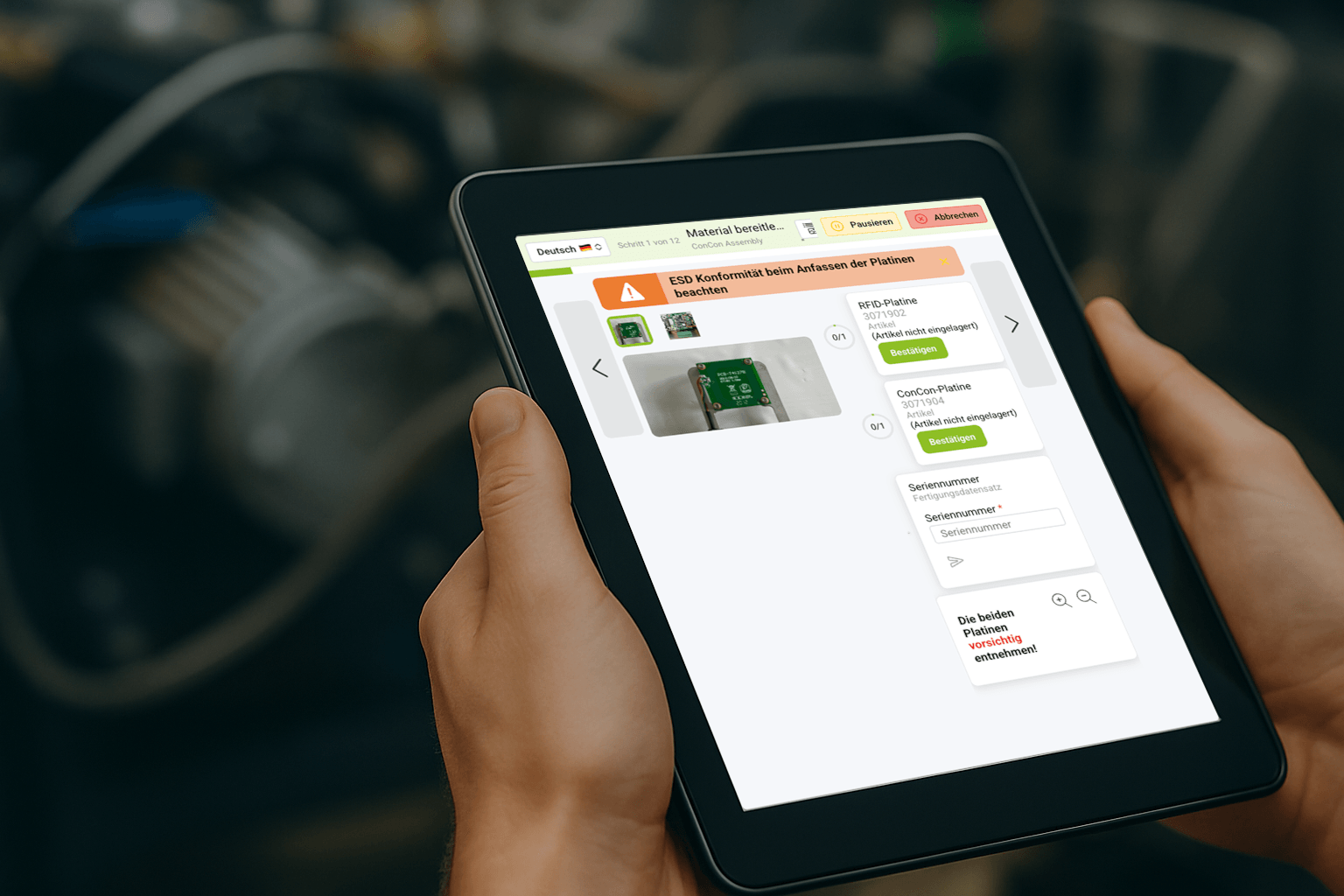
Digitizing Work Instructions: From Paper to a Digital Process
Why the switch pays off and how to make it step by step
Paper-based work instructions are still standard in many production environments, but are increasingly reaching their limits. Rising product variety, higher quality requirements and the skilled labor shortage are making the switch to digital work instructions the obvious choice for more and more companies. This article explains where digital and analogue instructions differ, what benefits digitization brings and how the transition works in practice.
What does it mean to digitize work instructions?
Digitizing a work instruction means more than putting an existing document as a PDF onto a screen. A photographed sheet of paper stays static, even if displayed digitally. True digitization changes the way the instruction is used: away from the rigid document, towards interactive, step-by-step guidance at the workstation. Content is maintained centrally, versioned automatically, enriched with images and videos, and supplemented with checkpoints captured directly within each work step. A document that describes becomes a system that guides and safeguards.
Digital vs. analogue work instructions: a comparison
The fundamental difference lies not in the medium but in the function. A paper instruction informs; a digital instruction guides through the process and documents it at the same time. The following comparison shows the most important differences along the criteria that matter most in day-to-day production.
| Criterion | Analogue (Paper) | Digital |
|---|---|---|
| Currency | Outdated versions circulate unnoticed | Only the current, approved version at the workstation |
| Findability | Searching folders and filing takes time | The right instruction is instantly available at the workstation |
| Media | Static images, black and white, often blurry | Images, videos and zoom directly within each step |
| Feedback | No feedback on whether a step was correct | Checkpoints and limit values within each step, with OK/NOK |
| Proof and audit | Evidence scattered, gathered manually | Complete, automatic documentation for audits |
| Multilingual | Every language requires a separate document | One instruction, automatically in multiple languages |
| Maintenance effort | Changes transferred manually to every copy | Change once centrally, immediately current everywhere |
| Improvement | No data basis, optimization by gut feeling | Process data shows where things repeatedly go wrong |
The key benefits of digital work instructions
The benefits of digital work instructions do not show up in a single effect but in the sum of many small improvements along the entire process.
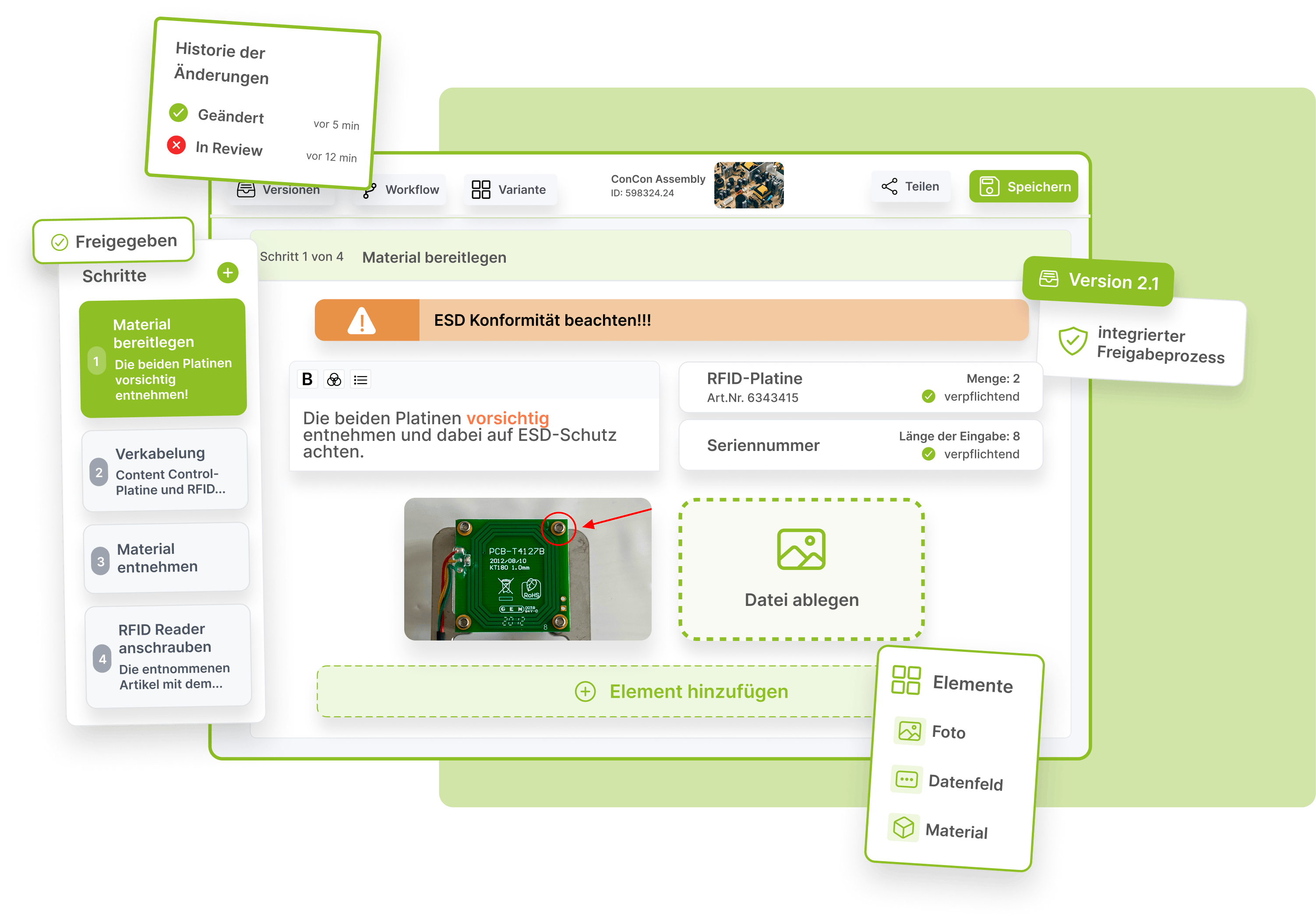
- 1Always the right version: Only the current, approved version is ever visible at the workstation. Version chaos and outdated printouts are eliminated.
- 2Faster onboarding: Guided steps with images and videos make new employees independent sooner and relieve the burden on experienced colleagues.
- 3Fewer errors: Mandatory checkpoints prevent steps from being skipped or performed incorrectly without notice.
- 4Audit confidence: Evidence is generated automatically during the process and retrievable at the push of a button, rather than having to be gathered manually.
- 5Multilingual: The same instruction is available in multiple languages, keeping the standard consistent across sites.
- 6Data basis for improvement: Captured process data makes it visible at which steps things repeatedly go wrong, enabling targeted optimization.
How the transition works in practice
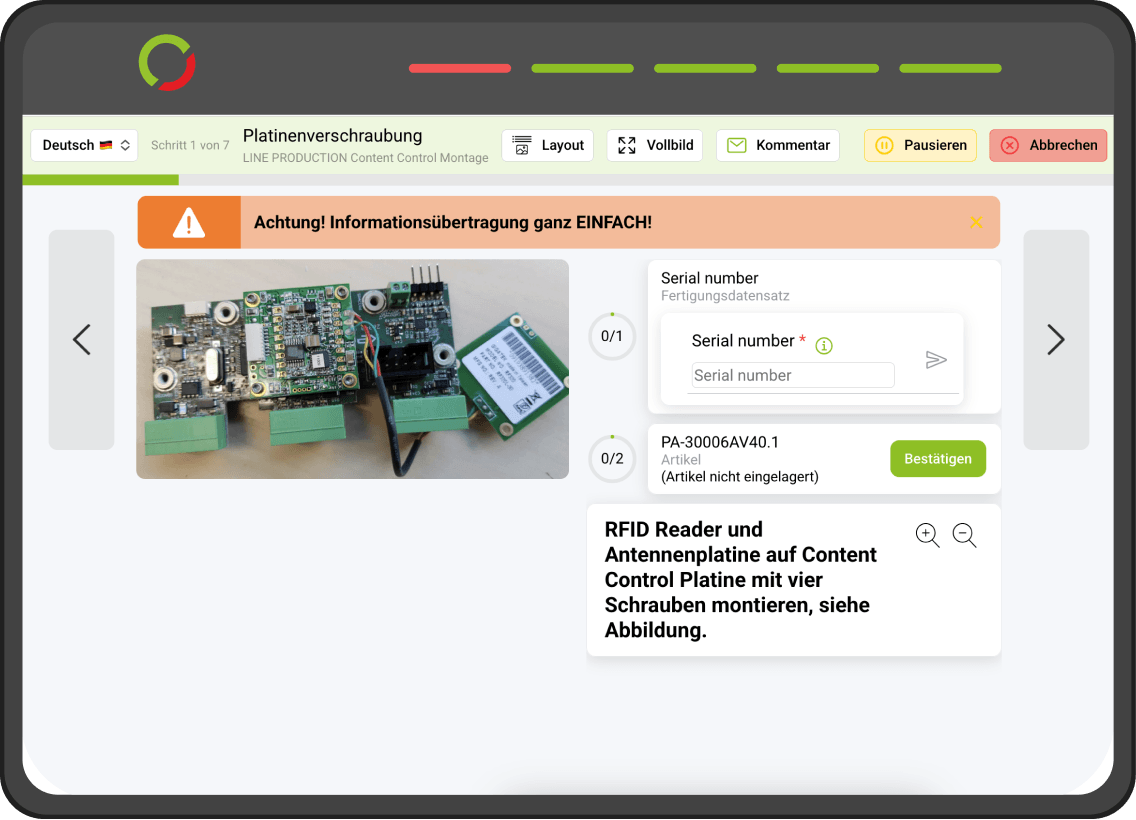
Digitizing work instructions does not have to be a large-scale project. On the contrary, the safest path leads through a small, clearly defined start. Begin with a few instructions in an area where volume, product variety or error costs are already causing real pain. Run the pilot in a live environment rather than a test setup, because real conditions are the only way to find out whether the instructions hold up. Collect feedback, adjust, and only then scale step by step. A software-first start makes sense, focusing on the digital instruction first. Solutions that can later be extended with sensors and hardware avoid a renewed system change when requirements grow.
Conclusion: from document to process
The switch from paper to digital work instructions is less a question of technology than of process maturity. Digitizing instructions does not simply replace paper with a screen; it connects execution, inspection and documentation into a seamless process. This reduces errors, accelerates onboarding and makes quality verifiable. For manufacturers dealing with product variety and a shortage of skilled workers, digitizing work instructions is a concrete, fast-acting lever.
For a deeper look specifically at replacing Excel and Word, see the article on six reasons against static Office documents.
FAQ
Is digitizing work instructions worthwhile?
In most production environments yes, especially with high product variety, strict quality requirements or frequent onboarding. The benefit often becomes visible within the pilot area, which is why a small-scale start makes sense.
Is it enough to provide work instructions as PDFs?
A PDF is a first step but remains static. It offers no guided steps, no checkpoints and no automatic record-keeping. The real benefit only emerges with interactive digital instructions.
Does digitization require new hardware?
Not necessarily. A software-first start is possible. Sensors such as pick-by-light or screwdriver control can be added later when the need arises.
What is the best way to get started?
With a few instructions in an area with high volume or high error costs. This makes the benefit visible quickly before rolling out broadly.
Erfahren Sie, wie SETAGO Ihre Produktionsprozesse optimieren kann.
Demo vereinbaren