Versioning Work Instructions: Always the Right State
How automatic versioning prevents errors from outdated states and secures audits
In production, a simple question often decides quality and audit security: is the employee at the line really working with the current version of the work instruction? Once instructions exist as copies, printouts and file versions, this can no longer be guaranteed. Outdated states circulate unnoticed and lead to errors that are hard to trace. Consistent, ideally automatic versioning solves exactly this problem. This article explains why versioning is more than a formality and how it can be reliably achieved in production.
Why versioning is critical in production
As long as work instructions circulate as printouts or files, multiple versions almost inevitably coexist. A change is applied in one copy but not another. At the workstation it then becomes impossible to tell with certainty which state is binding. This is not merely an organisational problem: anyone working from an outdated instruction produces errors that are difficult to attribute after the fact. And in an audit, the question of which version was valid at which point quickly becomes uncomfortable if it cannot be proven without gaps.
What ISO 9001 requires for controlling work instructions
Work instructions are among the documented information whose control ISO 9001 requires. At its core this means: it must be clear at all times which version is current and approved, changes must be documented traceably, and outdated states must no longer be in use. What is required is therefore unambiguous identification, approval before use, a traceable change history and revision-safe archiving. Consistent versioning is thus not merely tidiness but a requirement of a functioning quality management system.
Manual and automatic versioning compared
In many companies versioning is still maintained manually, for example via version numbers in file names or an overview in a spreadsheet. This works when the number of instructions is small but reaches its limits as the number and frequency of changes grow. Automatic, system-supported versioning removes this burden. The following comparison shows the most important differences.
| Criterion | Manual | Automatic |
|---|---|---|
| Current state at the workstation | Not guaranteed, multiple versions possible | Only the approved state is visible |
| Effort when making changes | Every copy must be updated individually | Change once centrally, immediately current everywhere |
| Change history | Laborious to maintain manually, often incomplete | Complete and captured automatically |
| Error risk from outdated states | High, outdated printouts remain in circulation | Low, old states are no longer active |
| Audit preparation | Evidence must be gathered laboriously | Versions and history available at the push of a button |
| Scalability | Becomes unmanageable with many instructions | Remains controllable even at high volume |
What good versioning must deliver
Regardless of the specific tool, versioning of work instructions should meet several fundamental requirements.
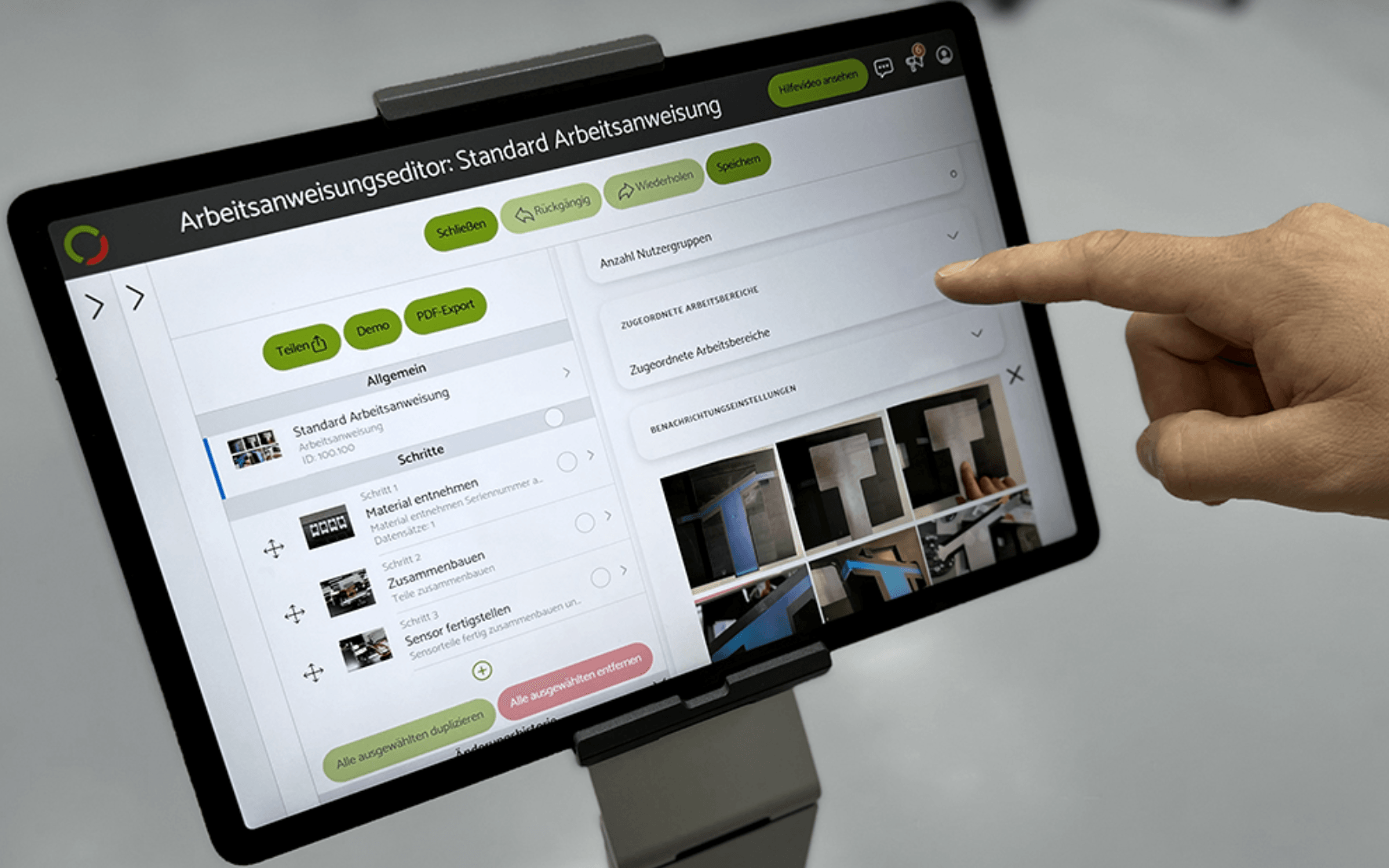
- 1Automatic versioning with every change: Every adjustment traceably creates a new version without anyone having to remember to do it manually.
- 2Only one valid state at the workstation: At the point of execution, only the current approved version is visible.
- 3Complete change history: It remains traceable who changed what and when, which is decisive in audits and troubleshooting.
- 4Approval before publication: A new version only becomes effective after review and approval, not upon saving.
- 5Comparability of versions: Differences between two states can be made visible so that changes can be grasped quickly.
- 6Revision-safe archiving: Old states are retained traceably without being actively in circulation.
Versioning in practice
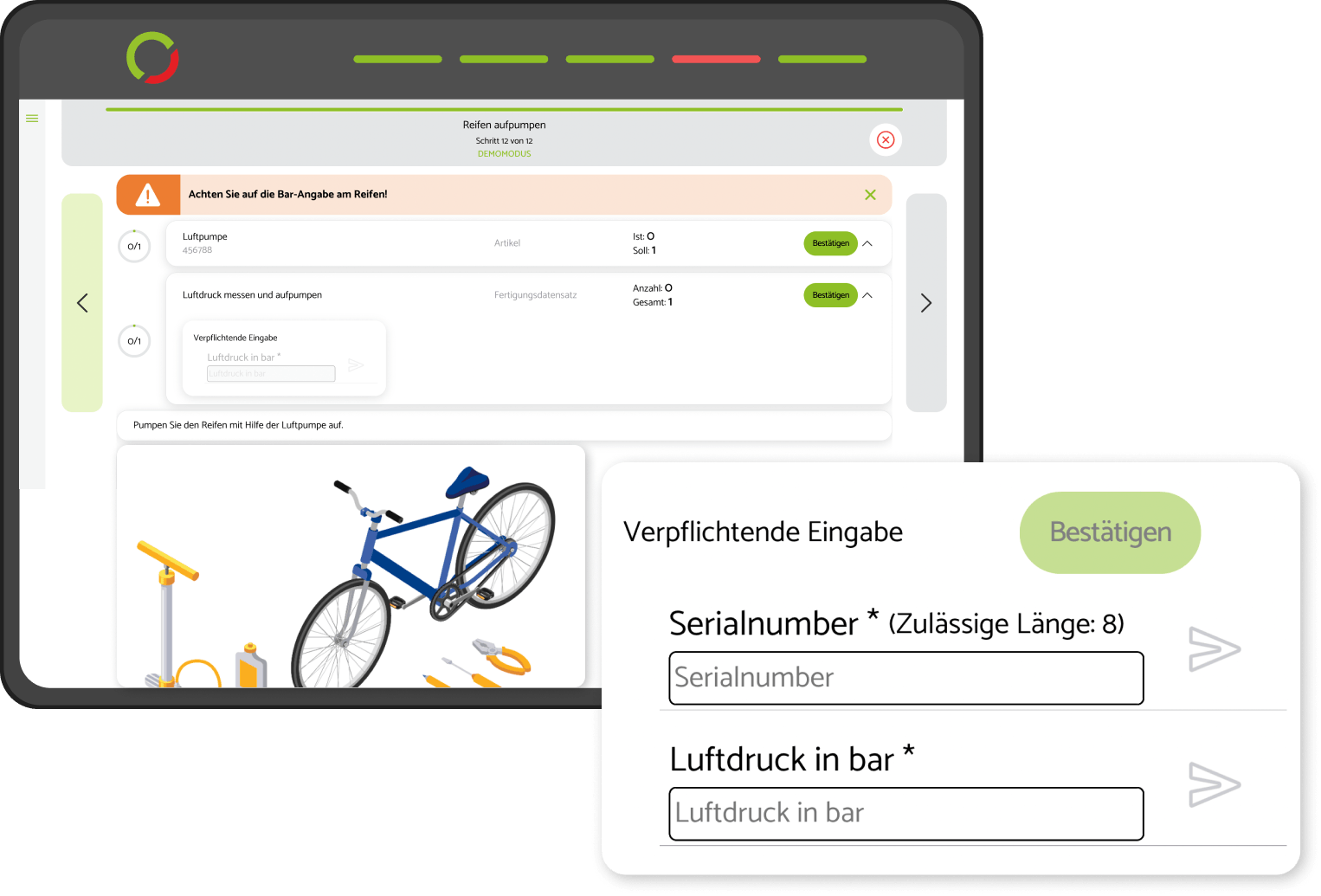
The transition from manual to automatic versioning is easiest when execution and documentation run together. When an instruction is provided digitally at the workstation, the system can ensure that only the approved state ever appears there while older versions are archived automatically. Changes are then no longer transferred into individual copies but made once centrally and are immediately valid everywhere. Version maintenance thus becomes a background effect rather than a burdensome duty.
Conclusion: from obligation to assurance
Versioning work instructions is more than a quality management formality. It determines whether the right state reaches the workstation, whether errors remain traceable and whether an audit becomes routine or stressful. Automatic, system-supported versioning removes the manual burden from companies and turns a tedious obligation into reliable assurance. Especially with many instructions and frequent changes, it is the difference between control and chaos.
How execution and documentation come together in a digital process is explained in the article on digitizing work instructions.
FAQ
Why is versioning of work instructions important?
Because it is the only way to ensure that the current, approved state is always used at the workstation. Without versioning, outdated versions remain in circulation, leading to errors that are difficult to prove in an audit.
What does automatic versioning mean?
With automatic versioning, the system independently creates a new, traceable version with every change and keeps the previous state archived. No one needs to manually assign version numbers or update copies.
How does versioning relate to ISO 9001?
ISO 9001 requires the control of documented information. Work instructions must be clearly identified, approved, changed traceably and archived in a revision-safe manner. Consistent versioning fulfils exactly these requirements.
Erfahren Sie, wie SETAGO Ihre Produktionsprozesse optimieren kann.
Demo vereinbaren